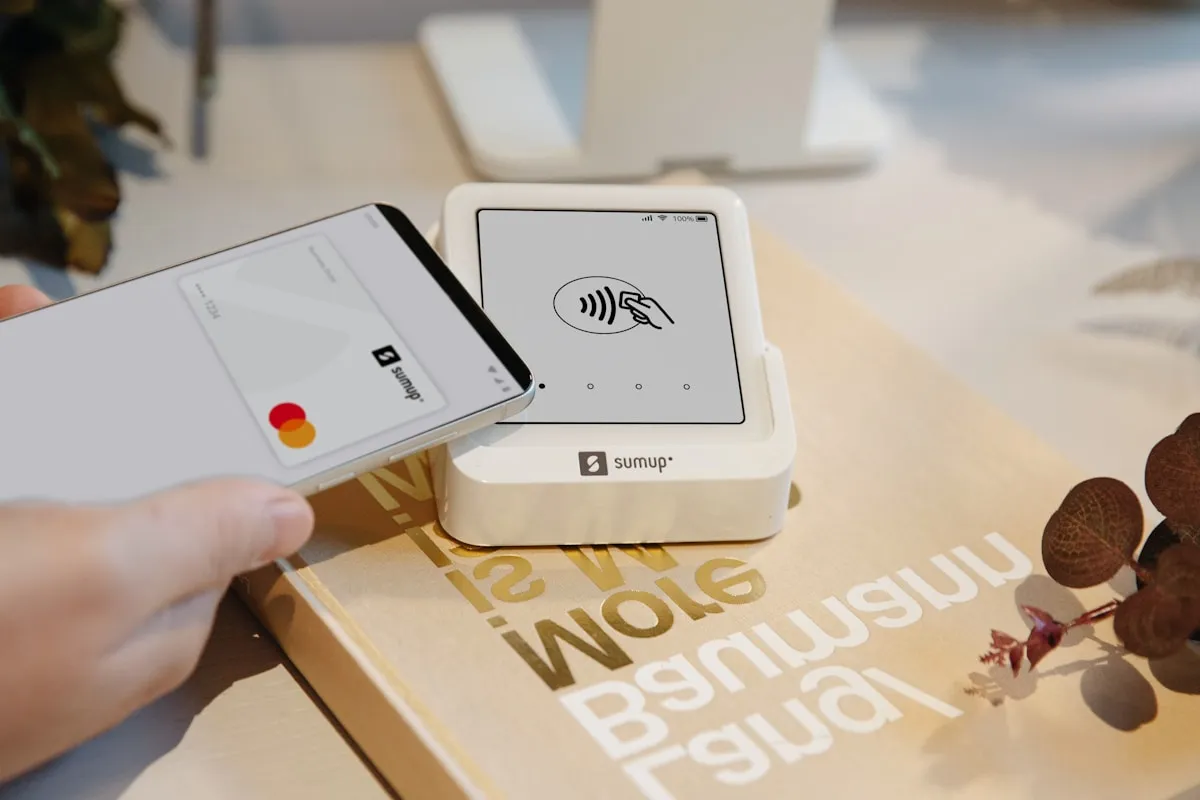
The fastest way to give on a Sunday
Text-to-give is the fastest way for someone to give during a service — no app to download, no website to dig through. They text a number, tap one link the first time, and they are done. Here is the exact setup.
Step 1 — Connect a payment processor
Before any donation can reach your bank, you need a processor connected. In Relius, open Giving then Overview and start the Donation Activation checklist; the first item is Connect payments (Stripe). This links your church bank account so donations deposit automatically. If you have never used Stripe, leave a few extra minutes to verify your bank and organization details.
Step 2 — Enable your public giving page
The first time someone gives by text, they get a secure link to a page where they enter their card or bank details. Turn this on under Enable public giving. Review your processor's current security and PCI materials, confirm the configured payment flow, and preview the page before going live.
Step 3 — Turn on text-to-give and set your keyword
Go to Giving then Text-to-Give and switch it to Active. You get a dedicated giving number and a keyword (the default is GIVE). Donors can text the keyword to start, or text a dollar amount directly — texting 50 starts a fifty dollar gift. Pick a memorable keyword if you like, such as OFFERING or your church name.
Step 4 — Set funds and recurring options
Decide what donors can do once they are in:
- Funds — let them choose General, Missions, Building, or Youth, and keep a sensible default (most use General).
- Recurring — allow weekly or monthly gifts so a one-time donor becomes a regular giver in one tap.
Step 5 — Promote it (where most churches stall)
A text number only works if people know it. Use the Print Card and shareable graphic, and put it everywhere:
- On the giving slide before and after the offering
- In the bulletin and welcome card
- In your website footer and a pinned social post
- Said out loud from the front at least monthly: to give right now, text GIVE to your number
What it costs
Relius publishes a current 1.3% platform fee; processor charges, fixed fees, and any donor fee-coverage option are separate and depend on your configured provider. Review the current Relius pricing and processor terms before estimating the total cost of text giving.
Frequently asked questions
How does text-to-give work for churches?
Where text-to-give is enabled, a donor can text a configured keyword or amount to the church's dedicated number. The first interaction may direct them to a payment page; confirm the current processor flow and what subsequent gifts require.
How much does text-to-give cost?
Relius publishes a current 1.3% platform fee. Processor charges and any donor fee-coverage option depend on the configured provider and current terms, so confirm the full per-donation cost before launch.
Is text-to-give secure?
Yes. Card details should be entered on the secure payment page provided by your configured processor rather than in the text message. Review the processor's current PCI and security documentation, and confirm how payment credentials flow through your setup.
Can donors give to a specific fund by text?
Yes — you can offer funds like General, Missions, or Building, and let donors set up recurring weekly or monthly gifts.
How long does setup take?
Timing depends on processor connection, bank or organization verification, and the current Relius configuration. Allow time for review and test the complete flow before announcing it.